Welcome to our product documentation library. All of our documentation is freely available to download and print.
Documents are in PDF format, so you will need a PDF reader to open and print these files. Most computers already have a PDF reader pre-installed, but if you are unable to open these files, you can download the latest PDF reader directly from Adobe.
All of these documents are also provided on the DVD that is included with your Fast Tracks order.
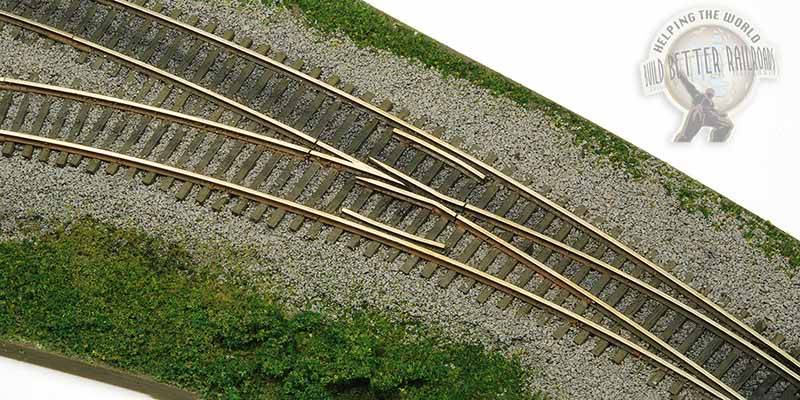
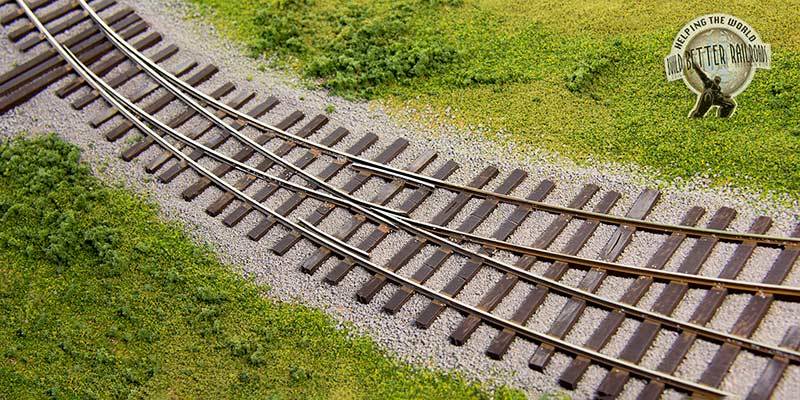
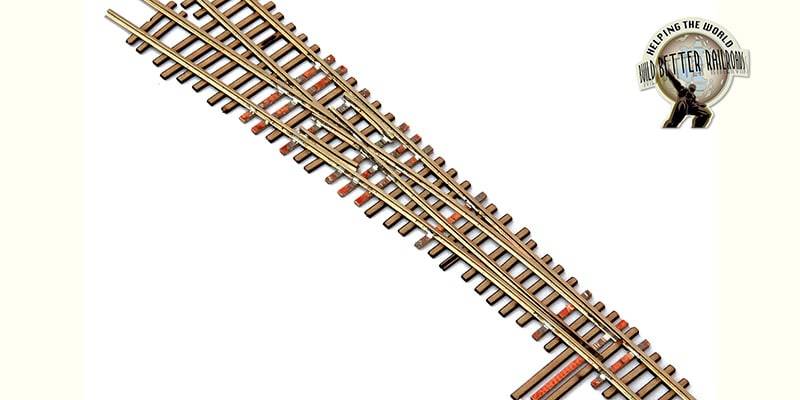
This fully illustrated document provides complete details for building turnouts using Fast Tracks tools & supplies. These instructions apply to Turnouts, Wyes & Curved Turnouts in all scales.
Do you already own a Fast Tracks Assembly Fixture? Then you can use that same fixture and the tools you have now to build a stub turnout with QuickSticks and PC Board ties.
These instructions apply to all scales and sizes of Dual Gauge switches. You will also need to download the appropriate template from below. (DG01 or DG02)
This template provides details about the order that rails must be soldered into place using an assembly fixture. Refer to the Dual Gauge Turnout document (UG04) for more details.
After you have finished building the switch 'skeleton', you need to finish the switch by gluing the matching QuickStick assembly to the skeleton. This document provides step-by-step details showing how this is done.
TwistTies offer an alternative to building switches using an assembly fixture, PC Board ties and solder. Instead the switch is built using a pre-cut all wood tie lattice. This document provides detailed instructions.
This is an all-in-one document that provides complete instructions for assembling the BullFrog Manual Turnout Control, TadPole Remote Control Rod Mount, Control Rod Hanger/Joiner, Control Rod Kit, and Decorative Knobs.
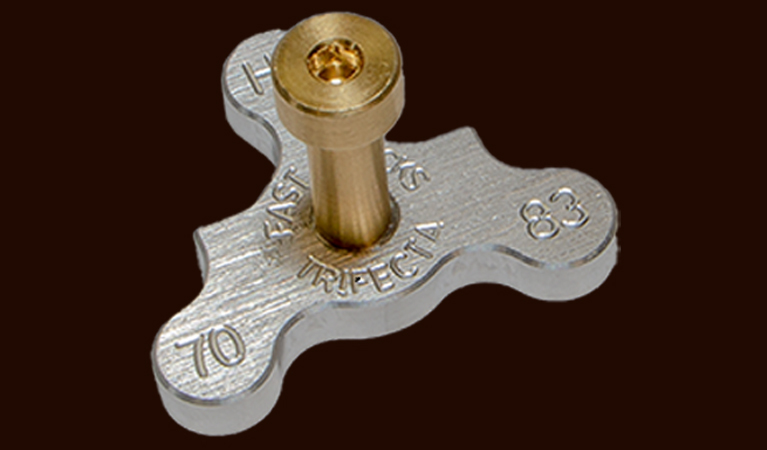
This document provides step-by-step details on how to solder trackwork in a Fast Tracks assembly fixture. It also covers the tools and materials you should use to get great results.
We offer a number of tools for filing and building frog and switchpoints. This section includes printed documentation for all of our points building tools.
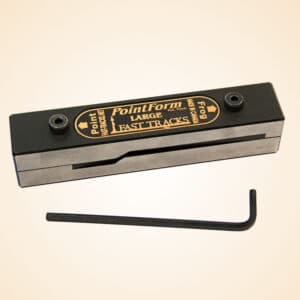
We offer a number of different types of PointForm tools. This document provides general instructions on how to use a PointForm tool. These instructions apply to all PointForm tools, including PointForms for:
The StockAid tool is used to file the base of the stock rail so that the switchpoint fits tight against the rail. These instructions apply to all sizes or StockAid tools.
The Frog Helper tool works in the same manner as a full sized assembly fixture, but is specifically designed for building frog points. These instructions explain how to use the tool to build straight points and is applicable to all scales.
While the same Frog Helper tool can be used to build frog points for both straight and curved switches, there are some important differences on how the frog is formed for a curved switch. This document provides details.
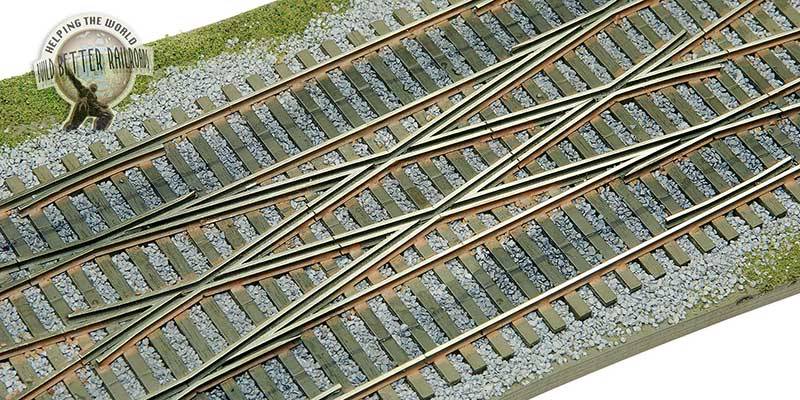
The Frog Point Grinding Jig was the first tool that we introduced for filing frog points. It is now pretty much obsolete (being replaced with our more versatile PointForm tool), however they are still needed for filing frog points for crossing switches.
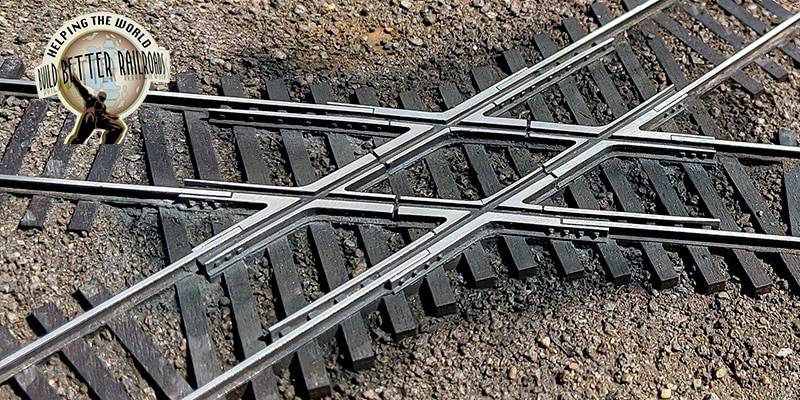
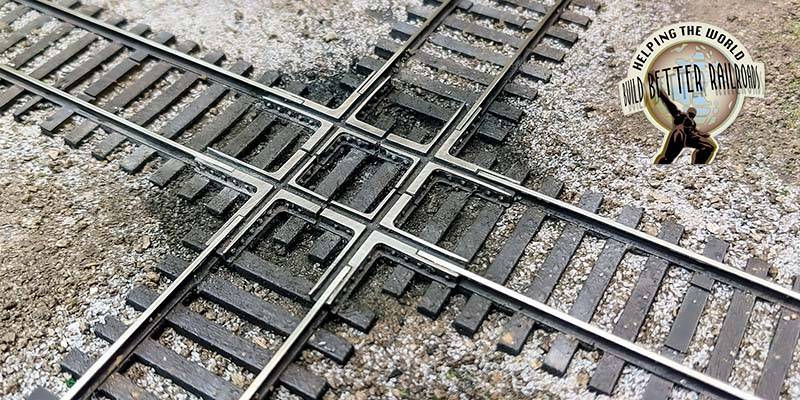
These instructions apply to all crossing sizes and scales.
Other Tools & Supplies
We offer a number of supporting tools and supplies for building trackwork. You will find detailed printable instructions for these items here.
Fast Tracks PC Board Ties are specially manufactured for building trackwork using our assembly fixtures. This document provides details on how to prepare and use PC Board ties, and is applicable to all sizes and scales.
Tie Racks offers the modeler a fast and easy way to hand lay large quantities of straight trackwork using all wood ties. This document shows you how it is done. It also includes instructions on how to assemble the TieRack.